What signing up looked like
Six screens, and none of them were ours
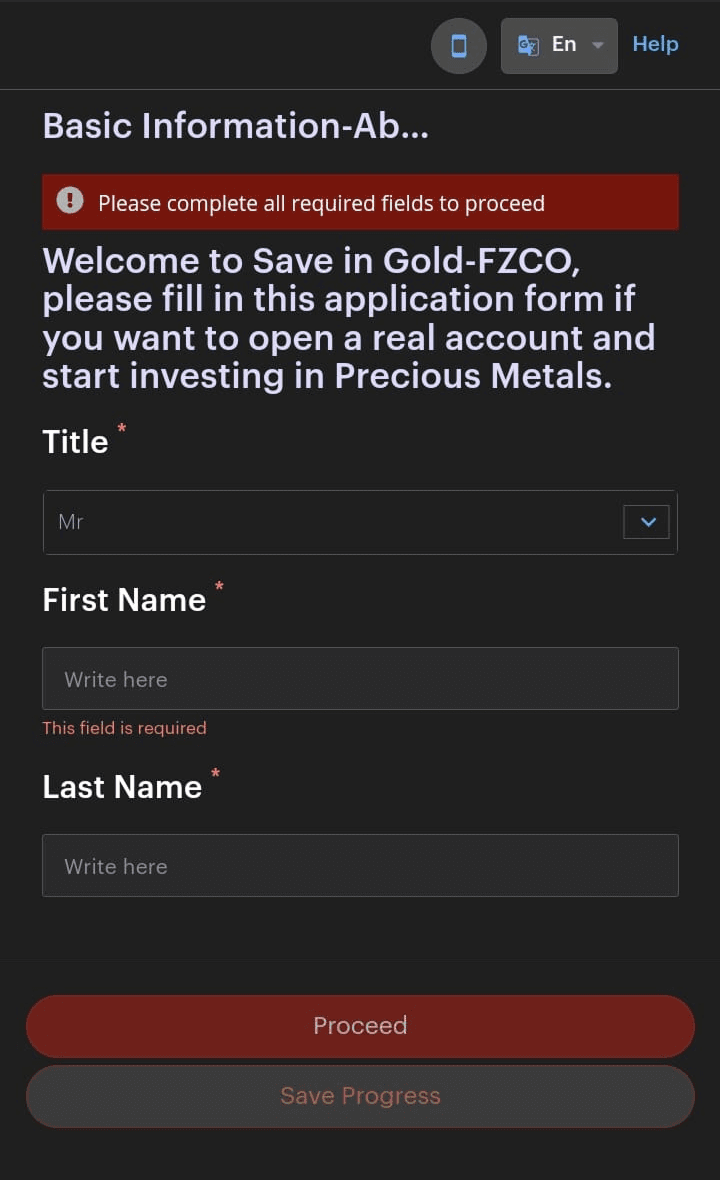
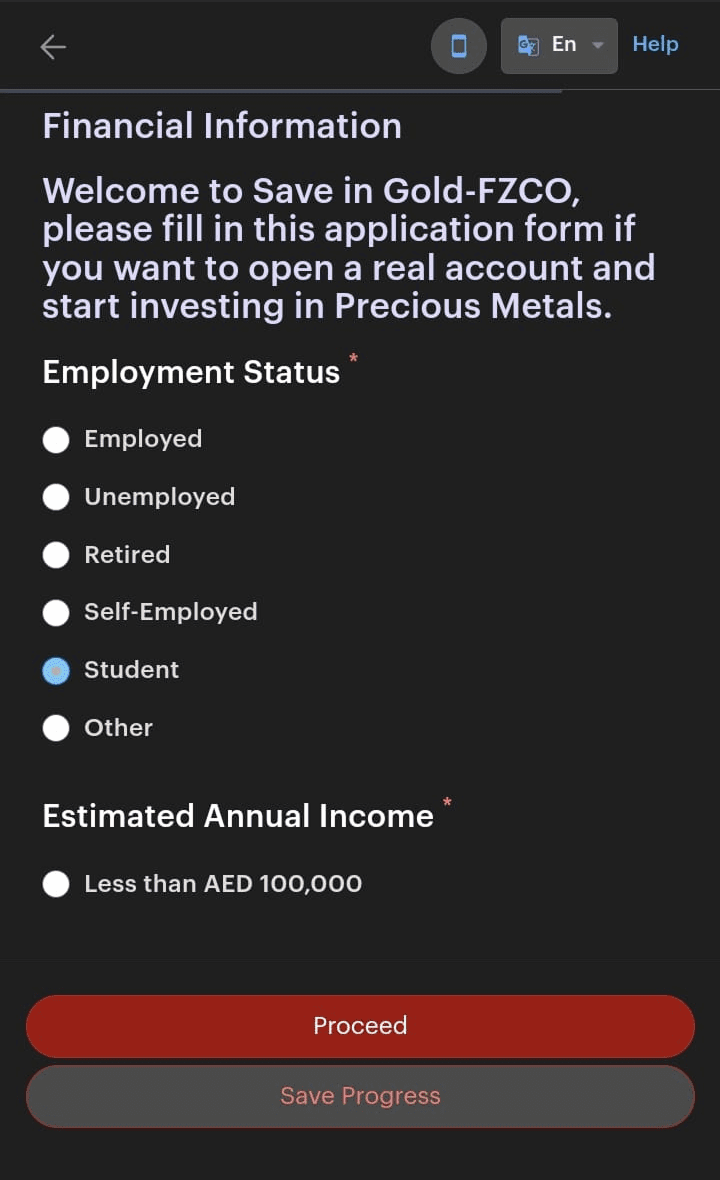
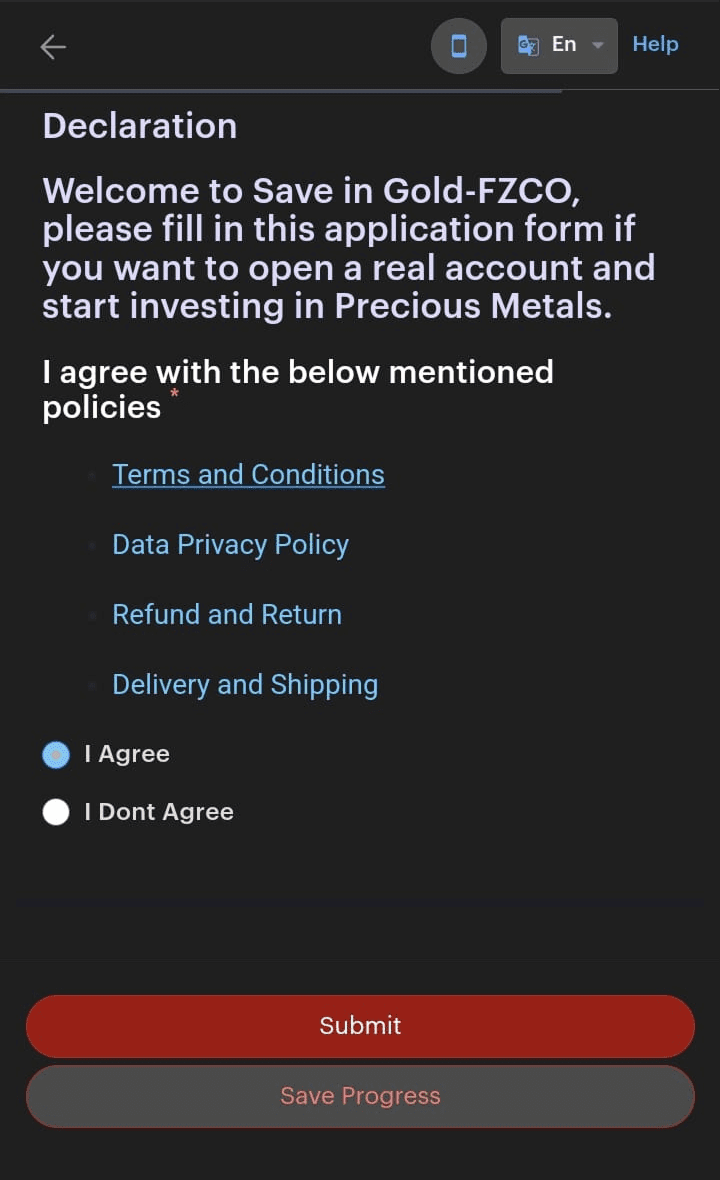
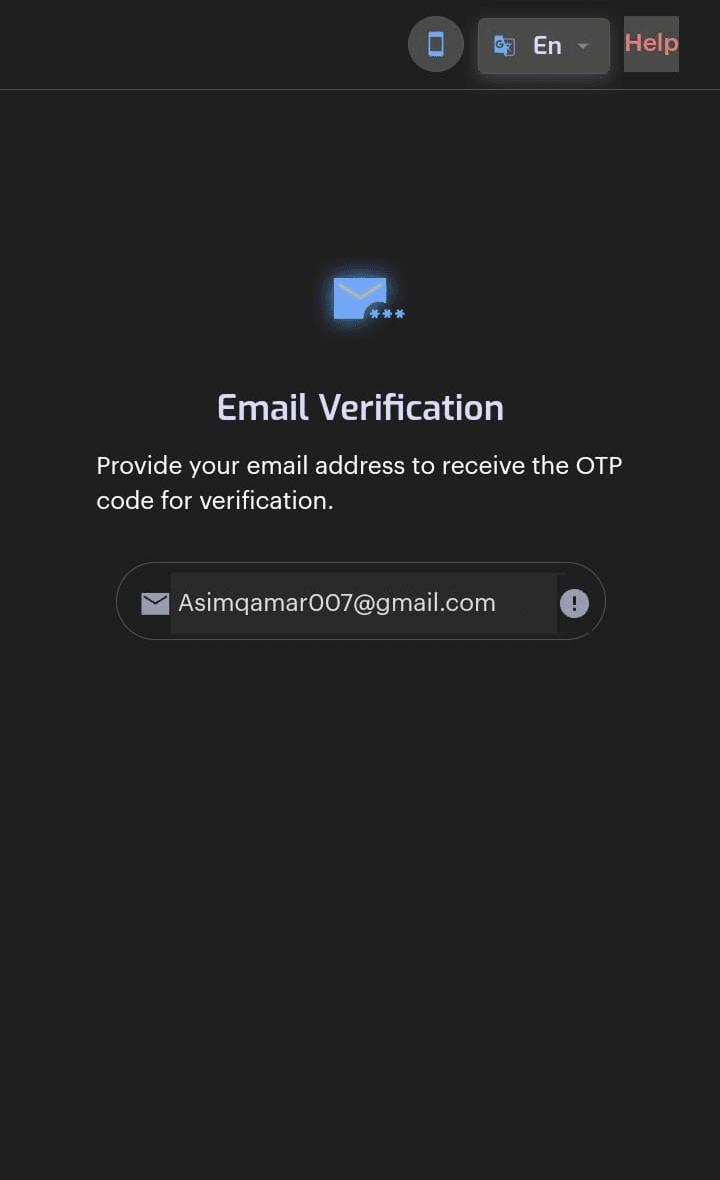
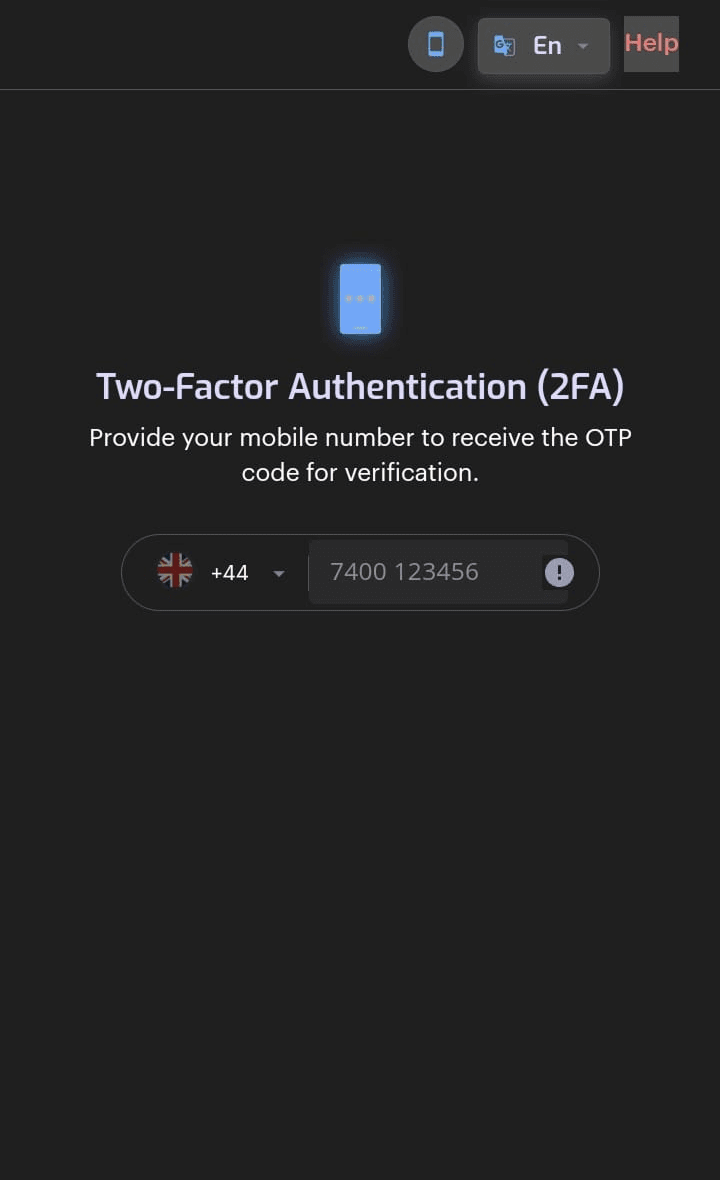
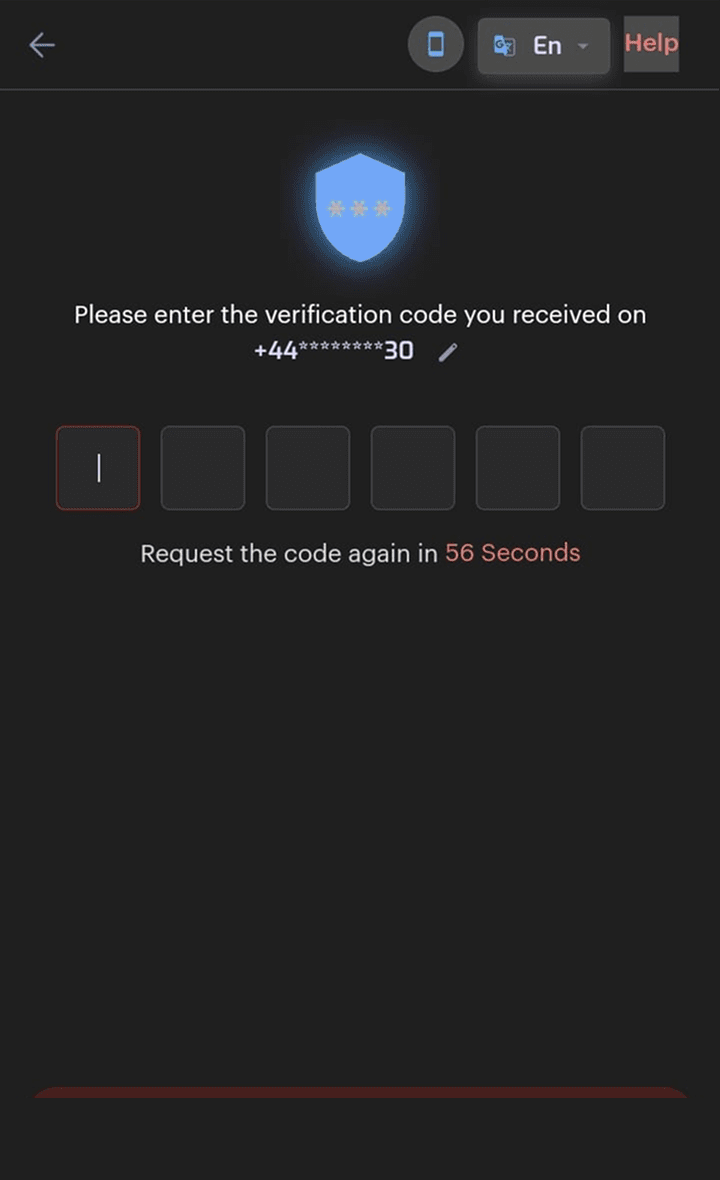
SaveInGold is an app in the UAE for buying and holding real gold. When I joined, signing up sent you out of the app to a KYC website. This is how I brought it back inside, while stuck with a KYC API I couldn't change and the UAE's rules for gold dealers.
Where people were leaving
Our identity checks ran through a third-party KYC API. You tapped Register in the app and landed on their website, on their domain, with none of our branding. Six forms later you were supposed to find your own way back.
For an app asking people to trust it with their savings, it looked a lot like a phishing page. People treated it like one.
In the app
Taps Register
Browser
Lands on a site they don't recognise
Browser
Six forms and two codes
42% stop here
Never come back to the app
What signing up looked like
What people told us
The numbers said the same thing. 42% dropped off at the redirect, and 41.5% of our support tickets were about setting up an account, registering or linking a card.
"I wasn't sure if I was still in the app or taken somewhere else."
User interview
"It didn't feel secure enough to connect my bank account."
User interview
The catch
Bringing sign-up into the app didn't mean I could design it however I liked. The KYC API still did the verification behind the scenes, and it wanted six stages, in this order, with its own validation rules.
My first version grouped things the way a new user would expect. Engineering showed me it wouldn't pass, so I threw it away and started again from the API. I kept its order and decided everything else: how much goes on each screen, and what kind of input each answer needs.
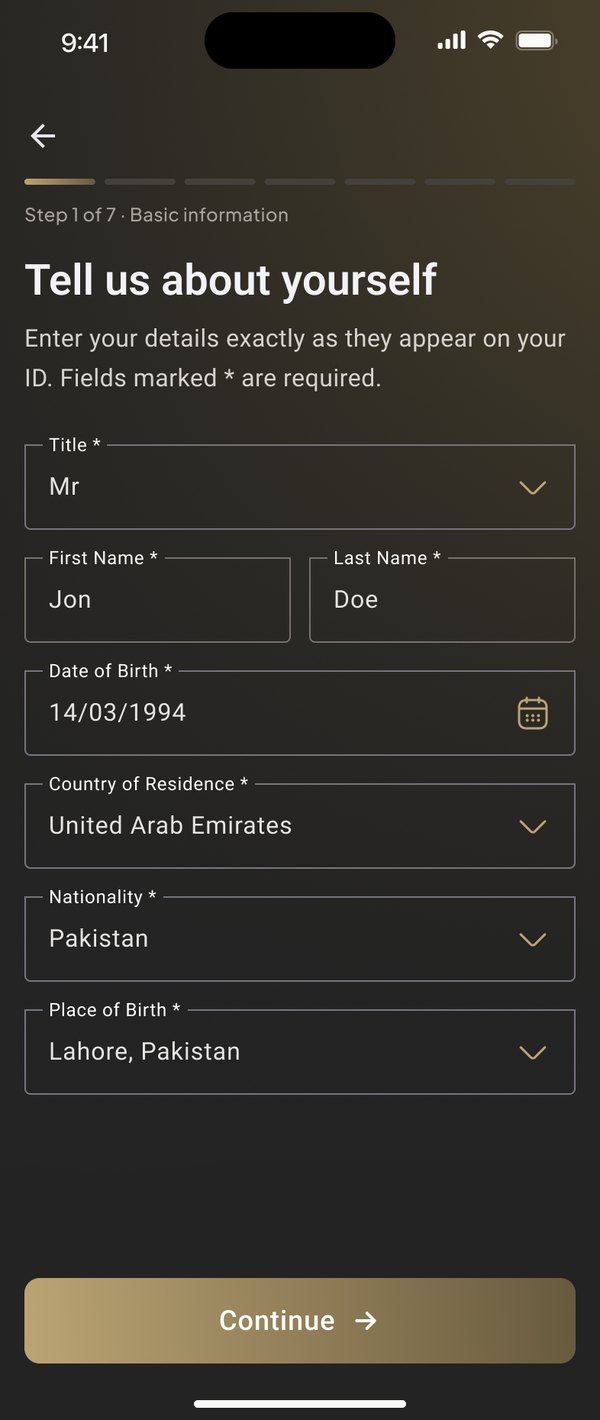
"About you", with title and name first, the way the API checks them
"Money", where the API's fixed answers became dropdowns so nobody types something it rejects
"Declarations", one tick for all four policies
Done at sign-up and passed along, so there's no second code
"Phone number"
"Verify your phone"
The other catch
UAE anti-money-laundering law treats gold dealers as high risk, and the data protection law is strict about consent. The API decided the order. These rules decided what I had to ask, and how.
Place of birth, a home address screen, and a screen to check the details read from your ID
Occupation, employer and source of funds
Two questions: are you opening it for yourself, and do you hold a public position
The terms box starts unticked, and marketing is its own box
Separate consent before the selfie
An "under review" screen with a reminder
What I gave up
Following the API to the letter meant asking about someone's income before they even had an account. So you create the account first, then the API's stages run in order. It relies on the API accepting the email we already verified. If they don't, one small "confirm your email" screen comes back.
The rules added an address screen and four more fields, and I couldn't cut them. Instead I tell people what they'll need and roughly how long it takes, and show a seven-step progress bar the whole way.
A pre-ticked box is smoother, but here it doesn't count as consent. Both the terms and the selfie consent start empty, and the selfie button waits for you.
Investment goals and US tax questions are normal in big fintech apps. The API's form had nowhere to put them, so they wait until compliance decides on FATCA or CRS.
Testing it
When I interviewed people about the old flow, I asked if they'd try the redesign later, and they agreed. So the people testing the new version were the same ones who had told me what was broken.
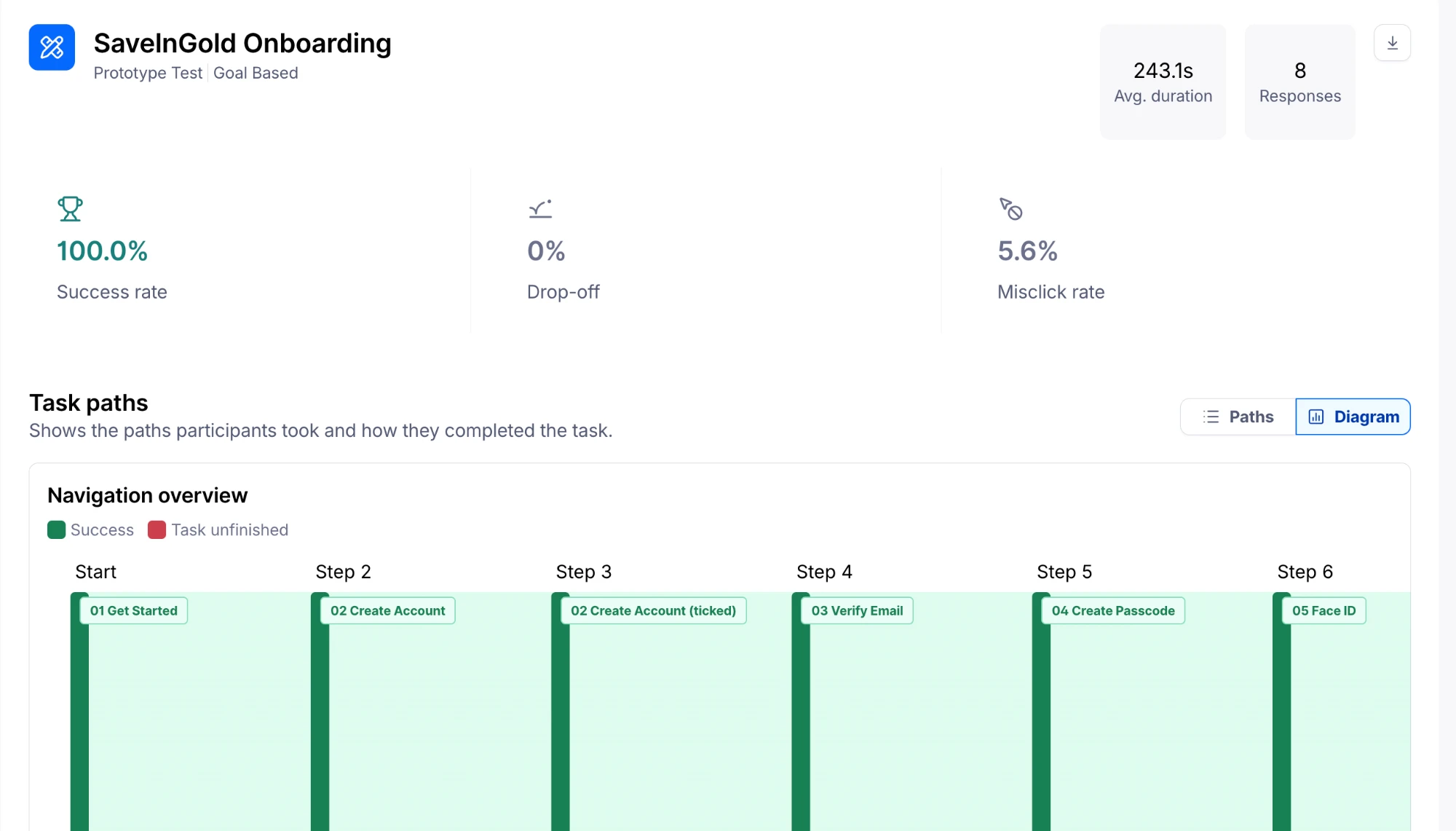
I ran it on Maze, unmoderated, from the first screen to setting up Face ID. All 8 created an account without help.
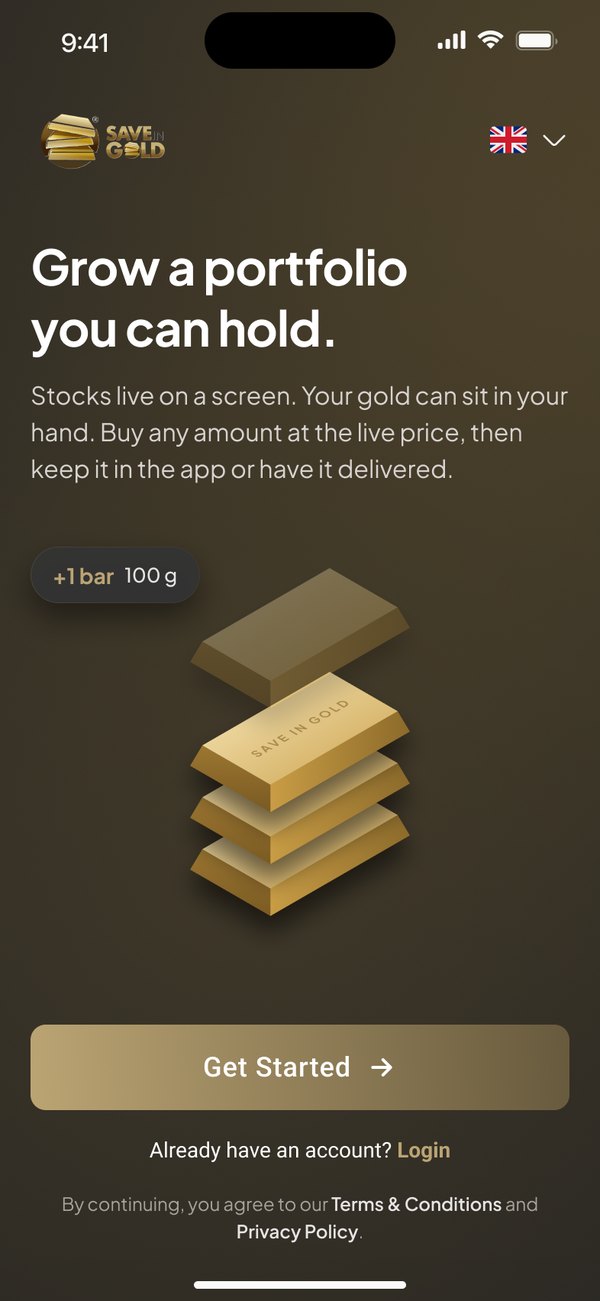
The new flow
Nothing about identity yet. Just enough to get in, so the harder questions come later.
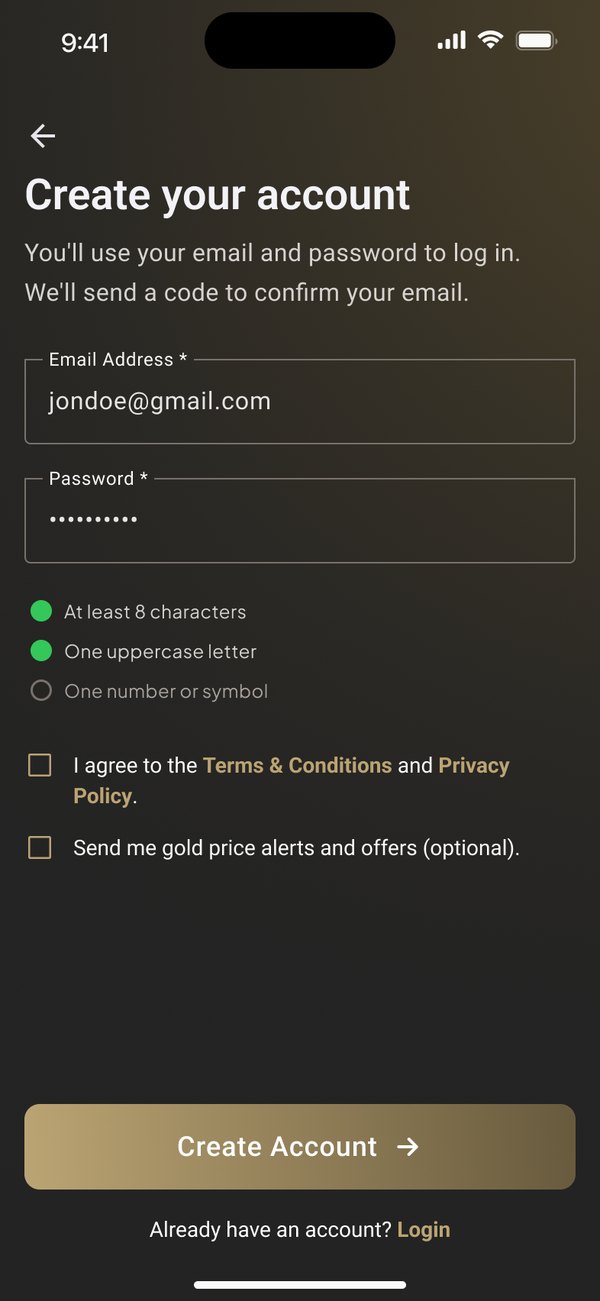
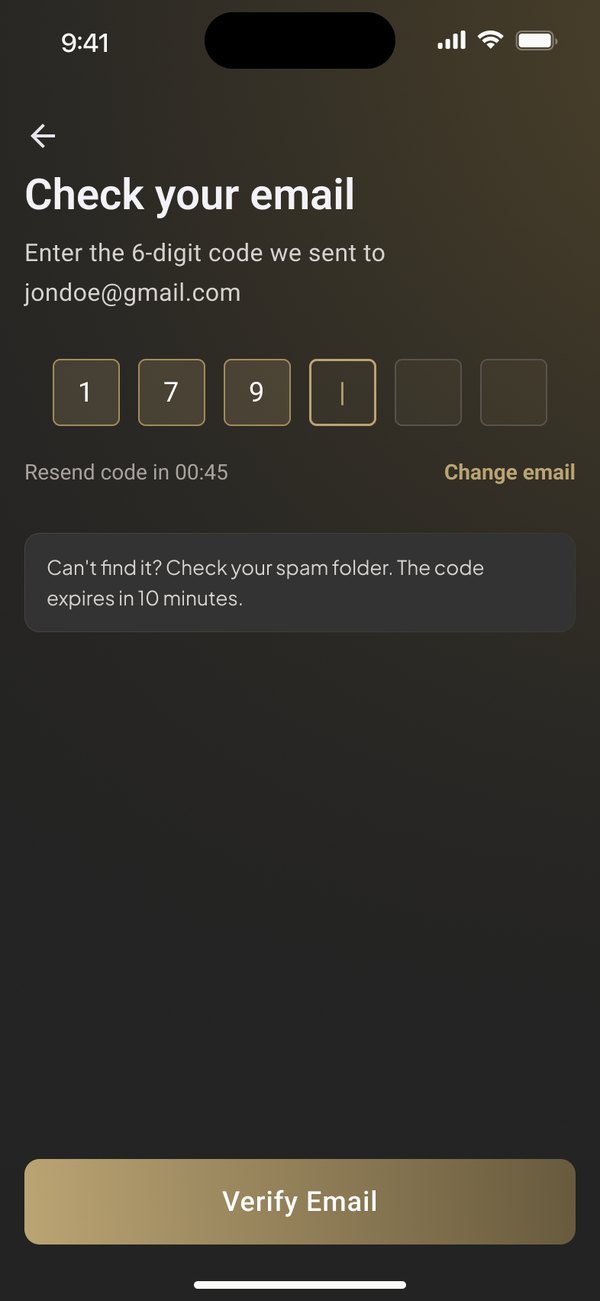
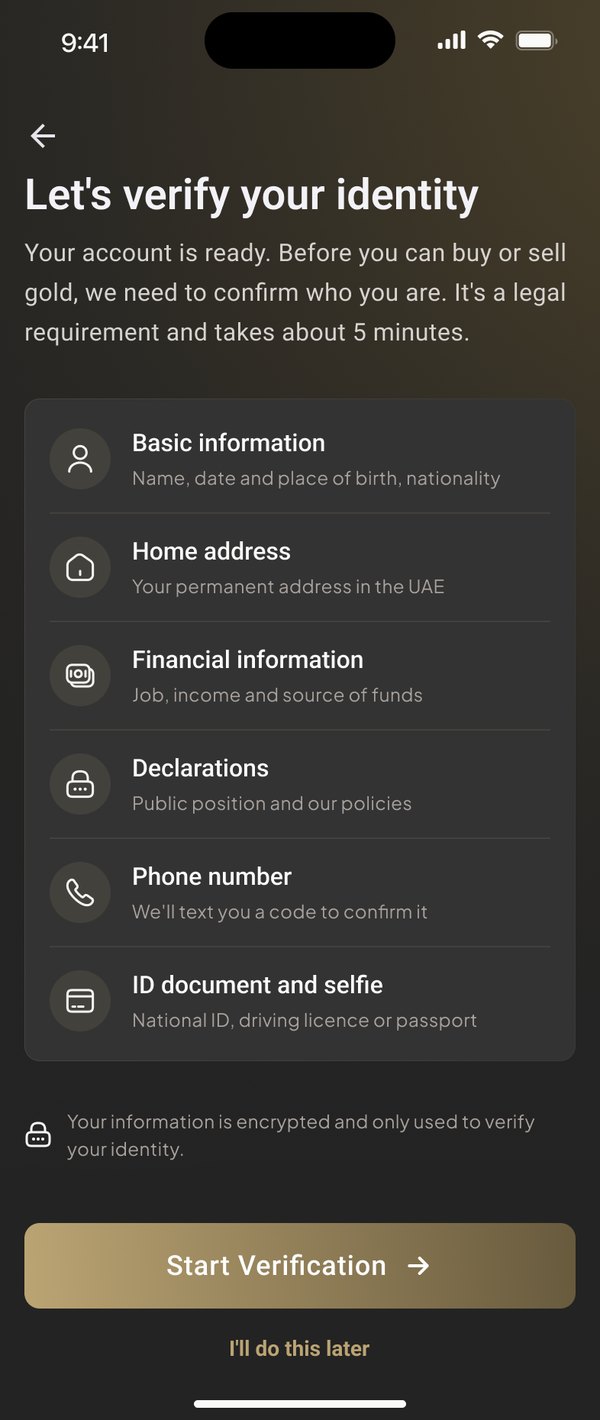
The API's stages, in the API's order, plus what the UAE rules add.
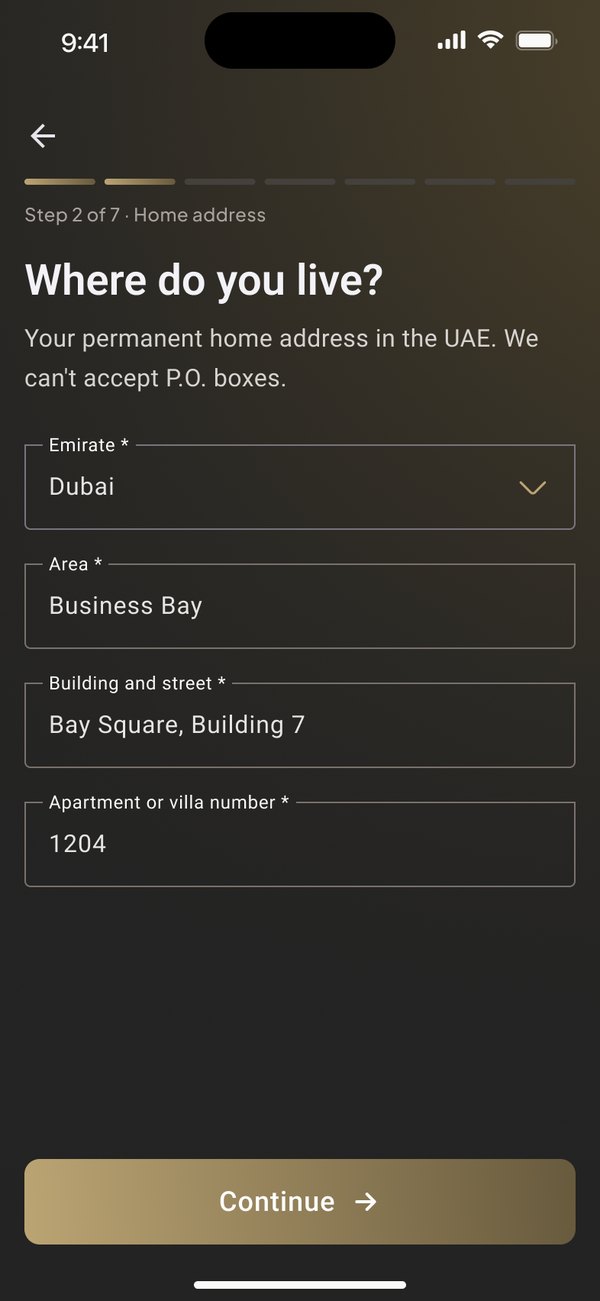
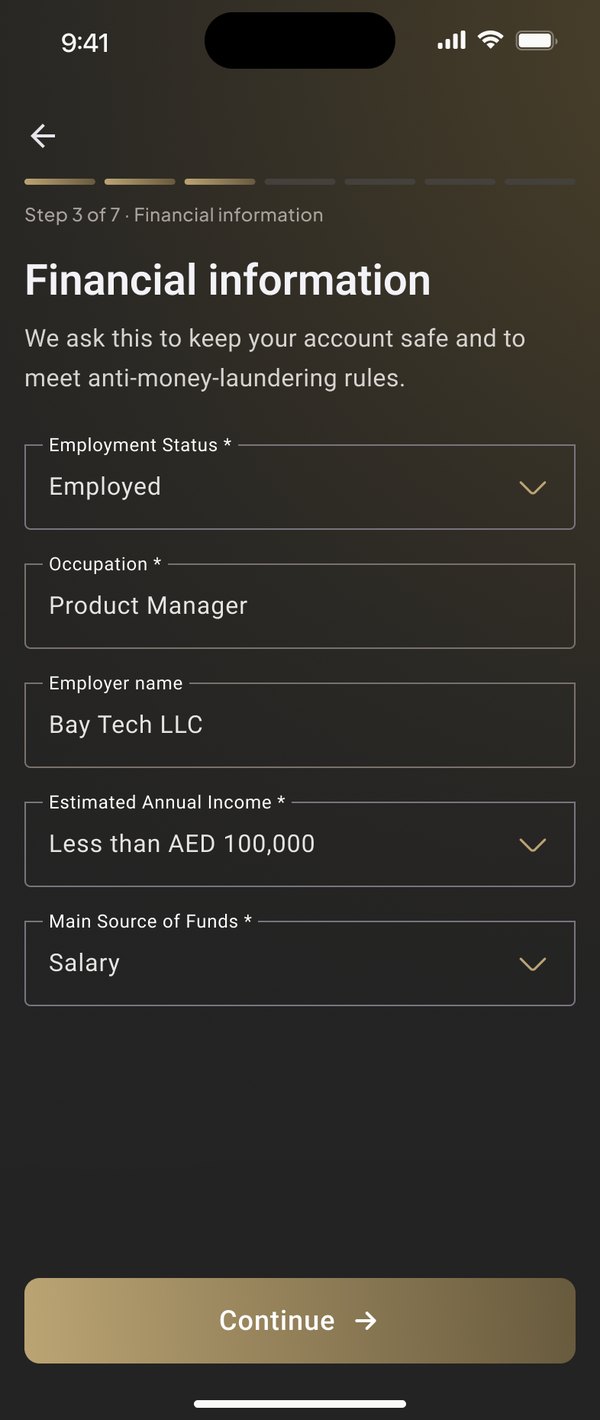
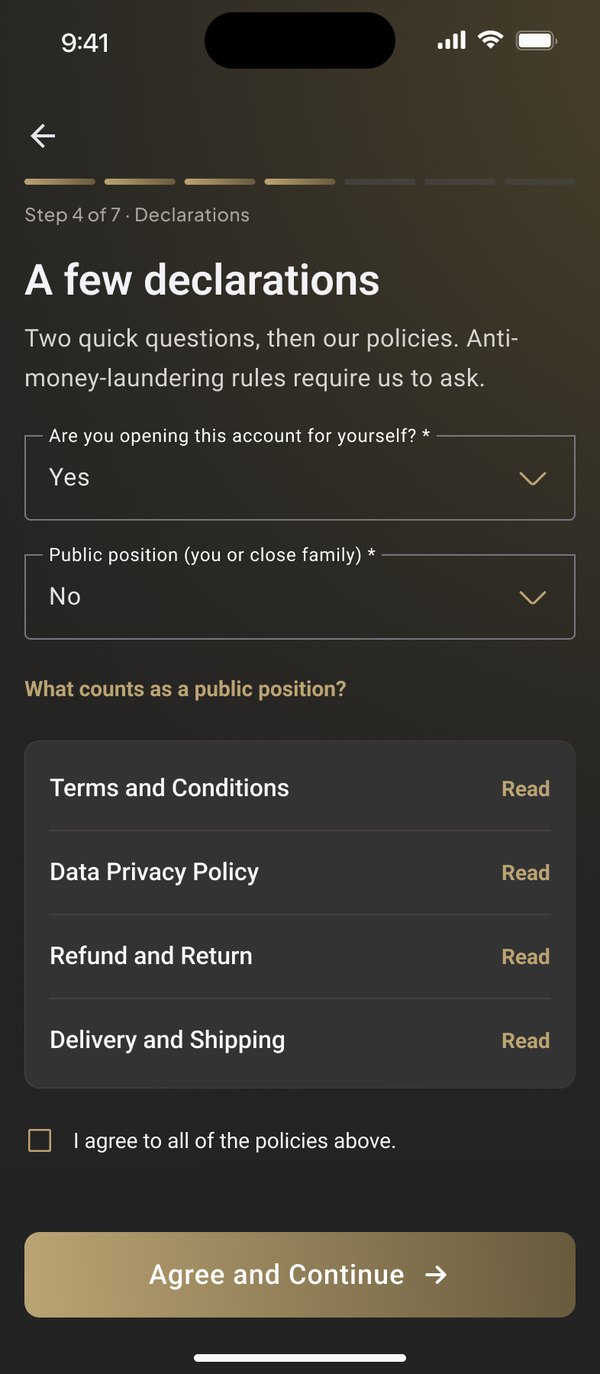
The last checks before an account can trade.
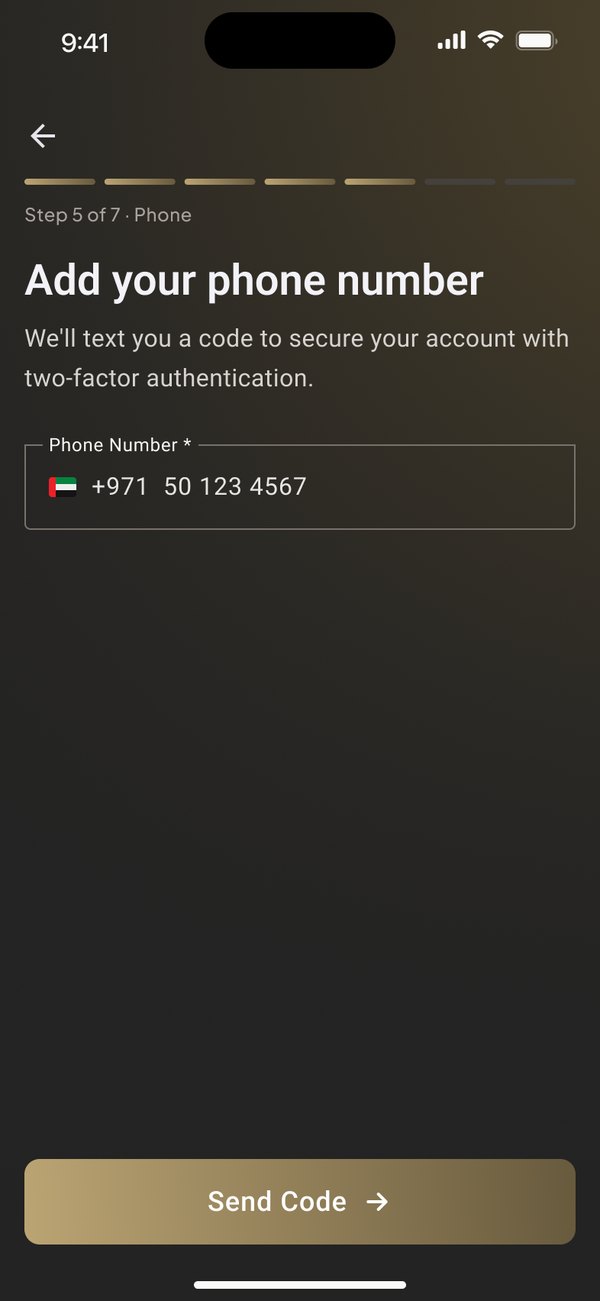
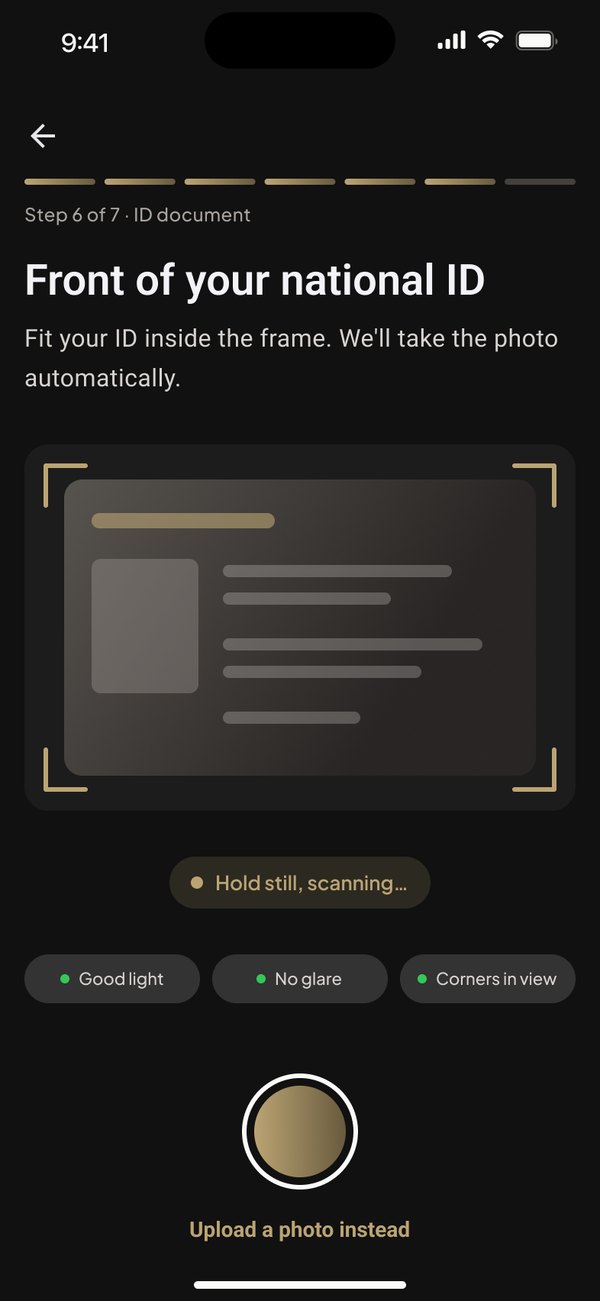
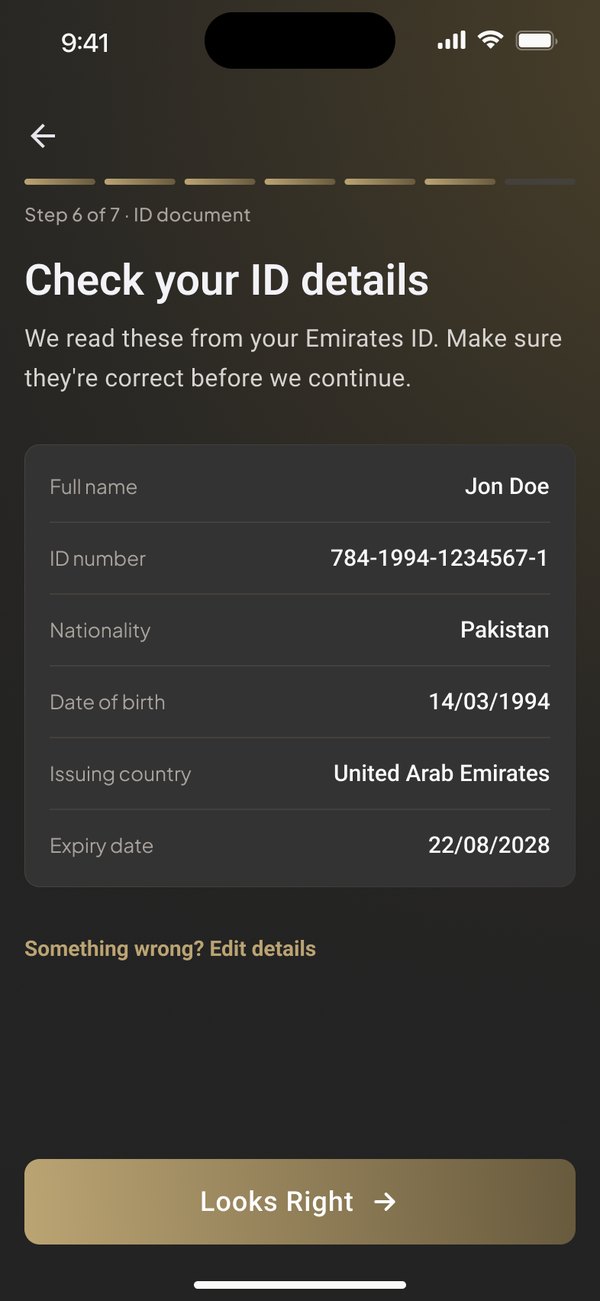
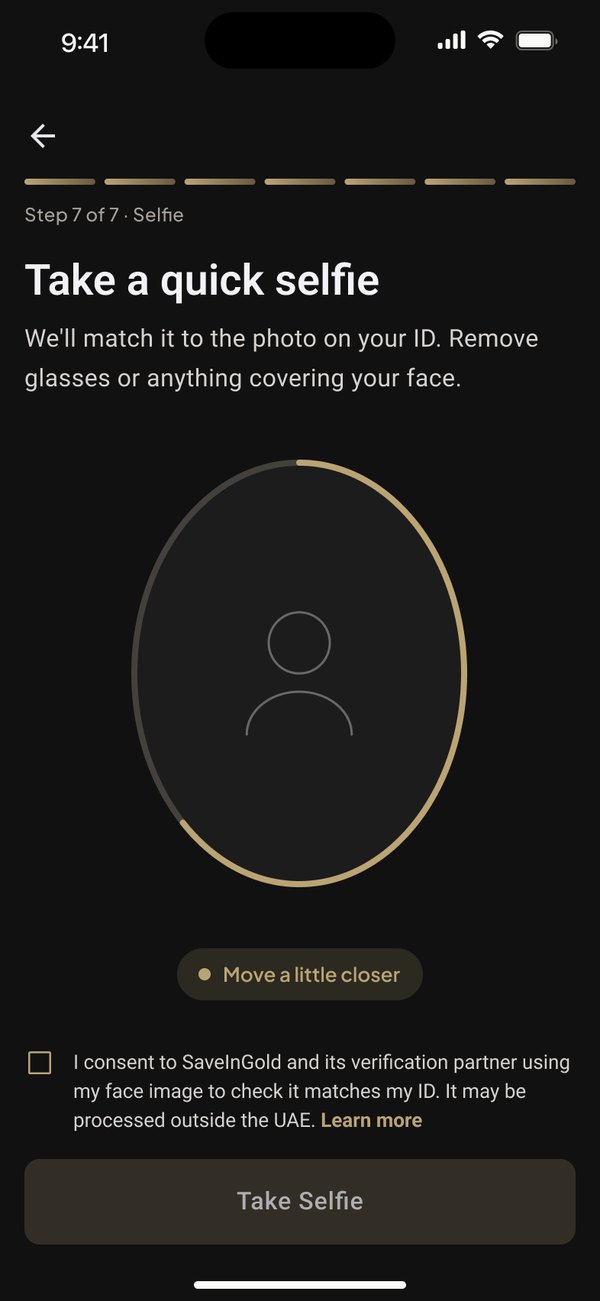
The parts the app owns, and a clear answer at the end.
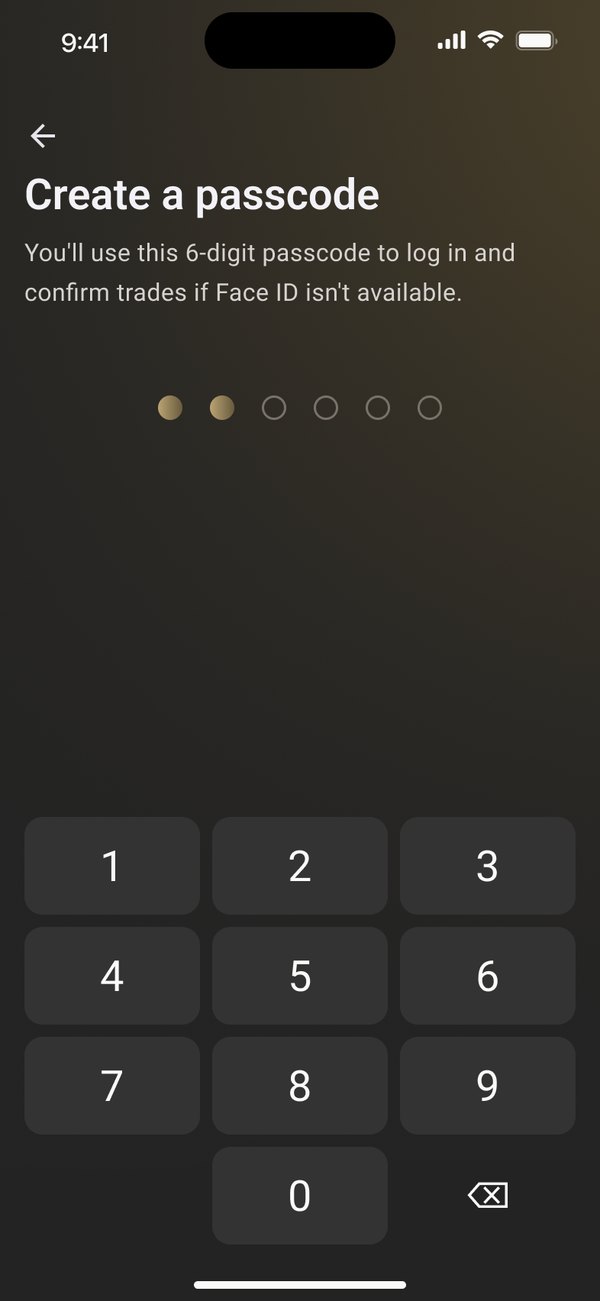
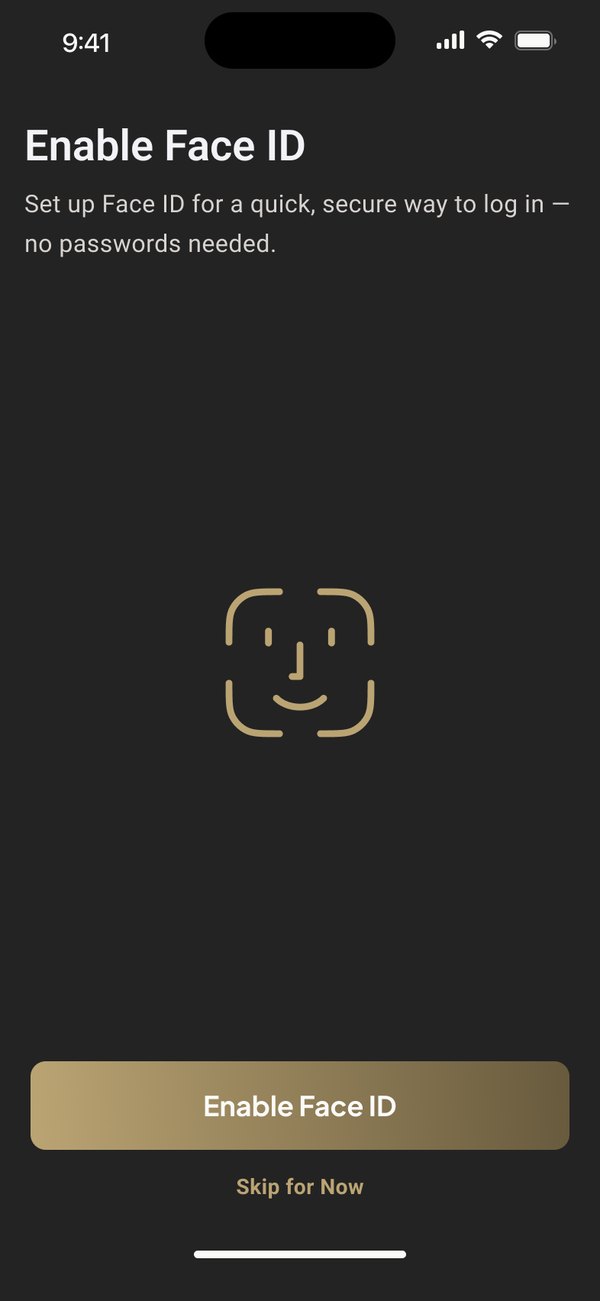
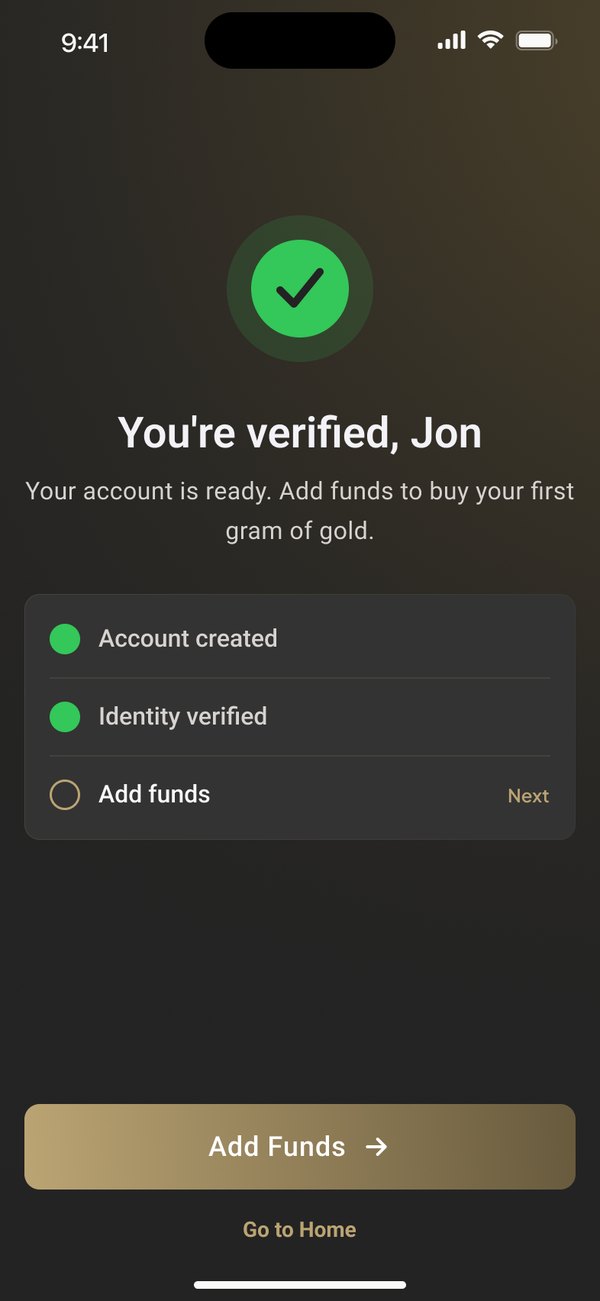
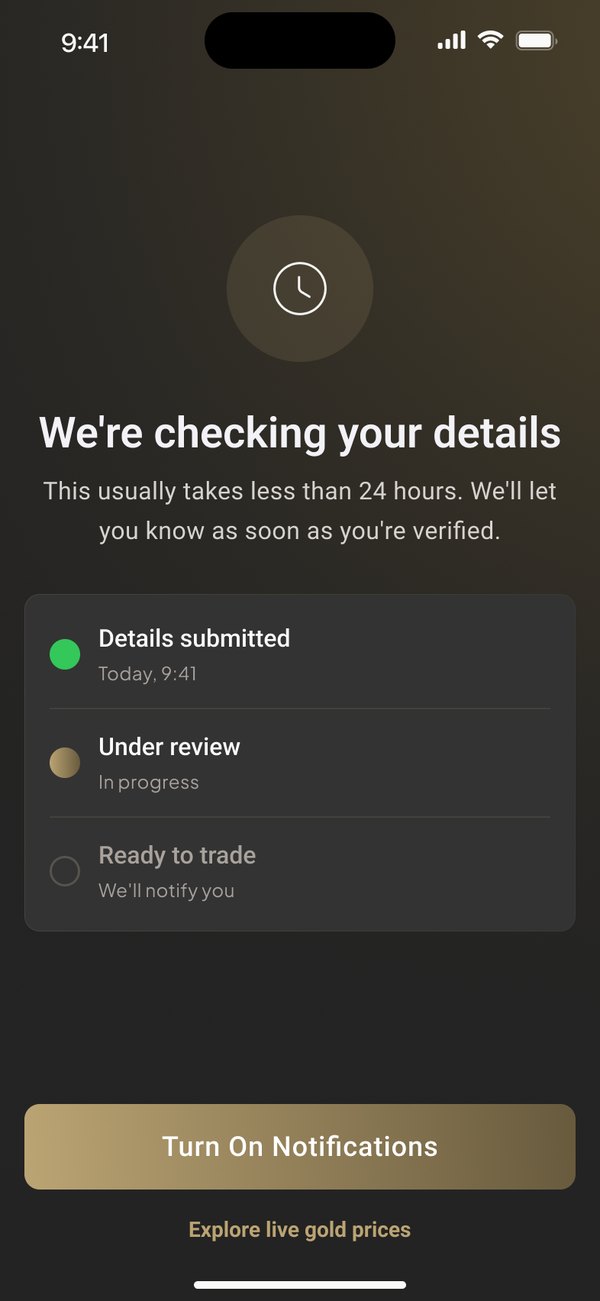
Drag to compare the old browser form with the new screen.
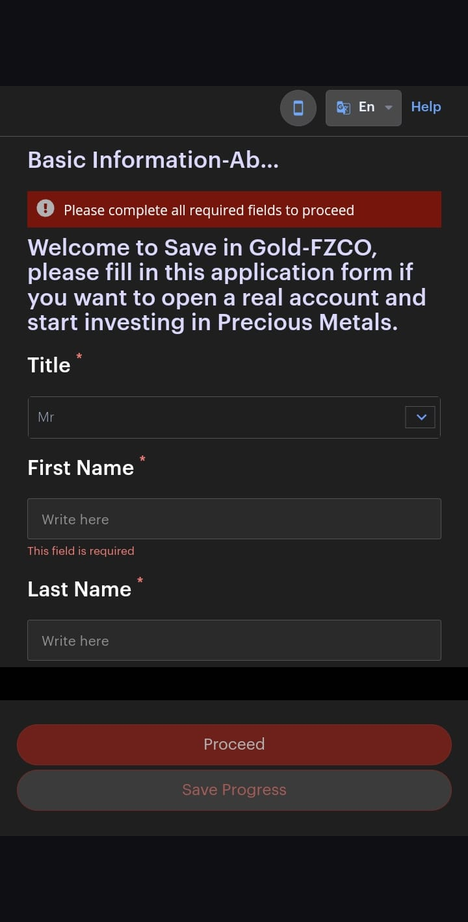 Before
After
After launch
We compared the first 30 days after launch with the old browser flow. Drop-off at registration fell by 42%, and support tickets about account setup went down with it.
The bit I'm proudest of is quieter. Nobody in testing asked where they were.
"Asim transformed our app from a confusing, fragmented experience into something our users actually trust with their money."
Amro Jabar · COO, SaveInGold